

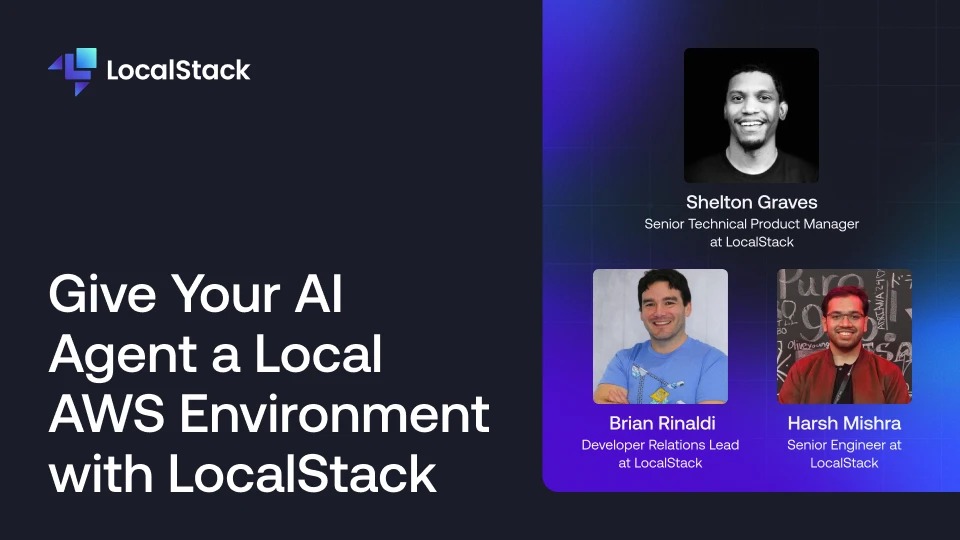
An agent will write you a CDK stack, a Terraform module, or a stack of IAM policies in seconds.
Whether any of it works is a separate question, and the usual way to find out is to deploy to a real AWS account and watch what breaks.
In an agentic workflow, that means giving AI access to a public cloud account, racking up costs on the AWS bill, and waiting for provisioning to complete every time you push new code to the environment.
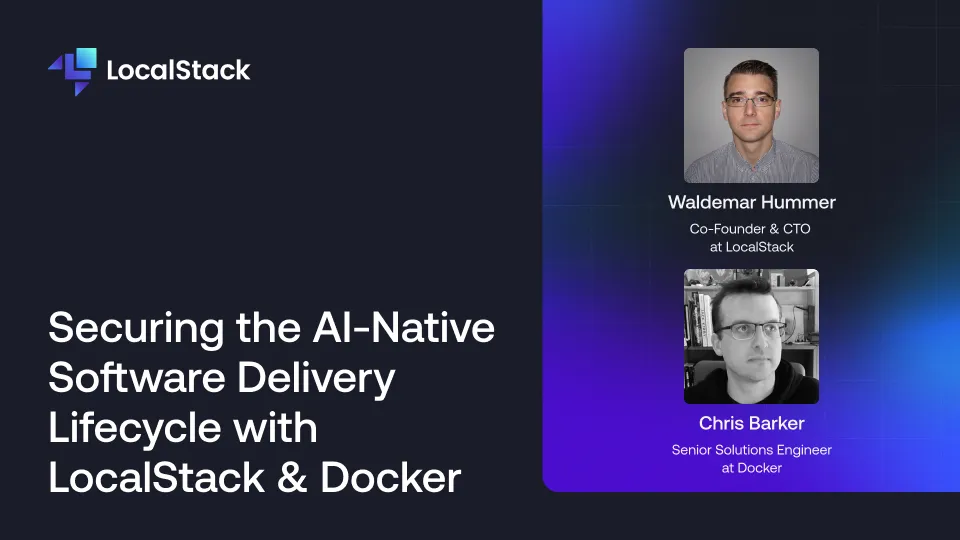
The rise of agentic AI in the software delivery lifecycle creates a dilemma with high-stakes implications.
As agents create new applications at an unprecedented rate, how do you integrate security without slowing down delivery?

You've been there: Lambda triggers, SQS messages fly, Step Functions execute, and somewhere in the middle, something breaks. You have no idea what triggered what, what payload was passed, or where it all went wrong.
That's the black box problem of AWS development.
Once your architecture grows beyond a single service, visibility disappears fast. You're left stitching together scattered logs and redeploying just to see what's going on.
App Inspector is LocalStack's built-in observability layer that opens up that black box. It gives you a real-time, unified view of every service interaction happening inside your local cloud: what triggered what, with what payload, in what order.
In this talk, we'll walk through what App Inspector is, how it fits into your LocalStack workflow, and how to use it to catch bugs locally before they ever reach staging or production.
