
Upcoming Events
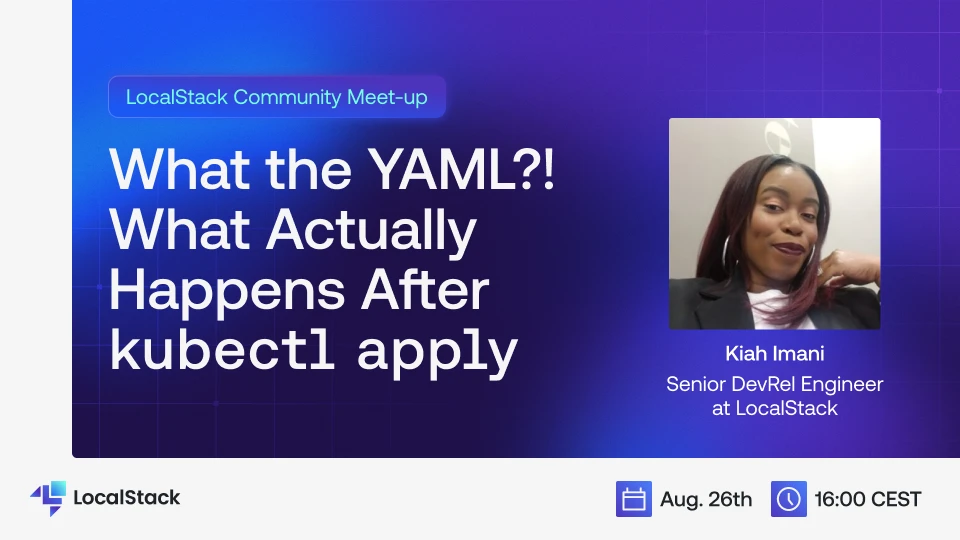
Developers are used to running kubectl apply and waiting on the magic to happen resulting in a running Kubernetes pod. But what actually happens between entering the command and the deployment being ready? What's the reality behind the "magic"? In this talk, Kiah will dissect all the stages of a Kubernetes deployment in a way that is easy to understand. She'll walk through that deployment happening locally on LocalStack to inspect what's really going on at each stage. At the end of this session, attendees will have a deeper understanding of the Kubernetes deployment process that can help debug many common issues and will gain an understanding of how LocalStack enables local testing of Kubernetes.
Have a talk idea?
Do you want to present at our events? We are not just limited to LocalStack—Talks around AWS, Developer Productivity, Cloud Security, DevOps toolings, Development & Testing loops, Snowflake and more would add great value to our members. Fill out the form to propose your talk at one of our Community Events
Previous Talks
Connecting your applications to LocalStack has not always been easy. In this video, Simon from the LocalStack team discusses how we streamlined the LocalStack networking experience. We discussed the challenges of connecting your applications to LocalStack and how we're simplifying the LocalStack networking experience. Simon also discussed about configurations required for more complex networking setups, and some common networking scenarios, with example configuration for achieving connectivity.
LocalStack integrates with official AWS Software Development Kits (SDKs) so you can connect to LocalStack services using the same application code you use for AWS services. This lets you develop and test your applications locally without connecting to the cloud. In this video, we will talk about how you can connect to LocalStack emulated services using AWS SDKs.
LocalStack is ephemeral, so when you stop and restart it, all data is lost. You can use certain features to save the state & load it back when you restart LocalStack. This includes saving the local state for S3 buckets, DynamoDB tables, RDS databases and more. In this video, we explore three mechanisms that allow you to save state in LocalStack: persistence, state export and import, and Cloud Pods.
In this video, you'll learn how to set up and integrate LocalStack's Snowflake Emulator to develop and test your Snowflake data apps in your local environment or CI pipelines. Whether you're using Snowpark, various client libraries, or building interactive data apps with frameworks like Streamlit, this emulator simplifies your developer experience. We'll walk you through step-by-step instructions on installing the Snowflake emulator with the LocalStack CLI & Docker, configuring and integrating the emulator with popular SQL clients, such as DBeaver, and running SQL queries locally to replicate a full Snowflake environment without cloud dependencies. ⚡ Get early access! The Snowflake Emulator is currently in public preview—reach out to us for access and start building today!
Real cloud developers aren’t pushing straight to AWS. They’re building and testing everything locally before a single deploy goes live. This episode breaks down the modern cloud dev workflow and how tools like LocalStack make it possible to move fast without burning money (or trust). Learn how local-first dev culture is changing the cloud game.
LocalStack Applications in Developer Hub provides sample templates to help LocalStack users adopt real-world scenarios to rapidly and conveniently create, configure, and deploy applications locally.
Getting started
In this demo, we will setup a Sagemaker on Localstack
Launch yourself in the world of local cloud development
