
LocalStack Resource Library
Explore the LocalStack Resource Library to unlock the full potential of local cloud development. From quick-start tutorials and deep-dive technical guides to best practices and webinars, we've gathered all the insights you need to build, test, and scale your cloud applications seamlessly.
Browse by Category
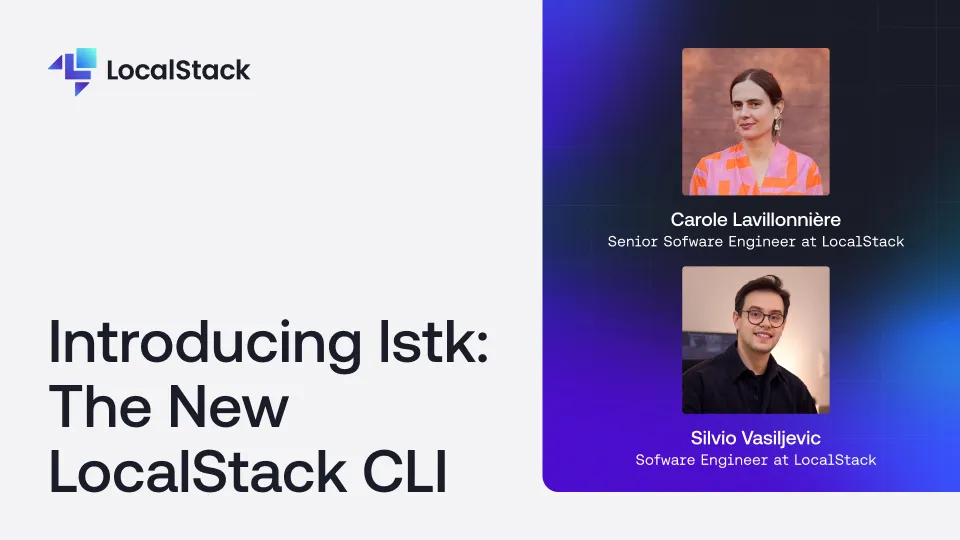
Silvio and Carole introduce lstk, LocalStack's next-generation CLI built from scratch in Go. They explain why the team rebuilt the CLI, walk through its key features — zero-config startup, seamless browser-based authentication, and a rich interactive TUI that surfaces real-time progress and actionable errors — and demo how lstk gets you from install to a running emulator in seconds. They also dive into the architecture behind lstk and how it is designed to support multiple emulators, flexible runtimes, and deep integrations with CI pipelines and IDEs.
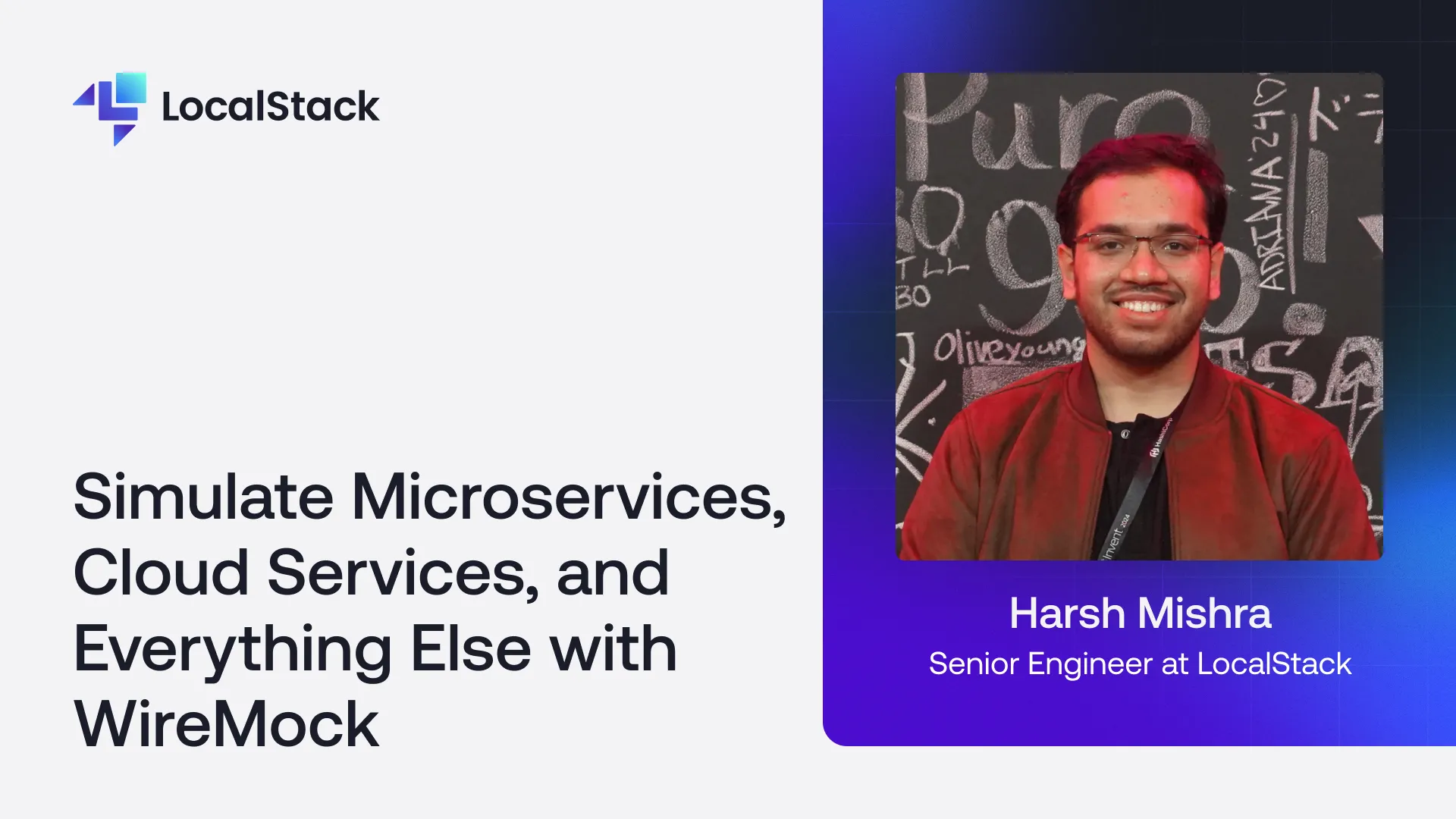
Cloud-first development kills your inner dev loop. There's a better way. TypeDB on AWS is powerful — Lambda functions querying complex relationship hierarchies, recursive schema functions resolving transitive memberships, all without application logic. But iterating on schemas and queries in the cloud is slow and expensive. Harsh Mishra introduces the TypeDB extension for LocalStack: run a fully functional TypeDB server inside your local AWS environment and connect your app exactly as you would in production. Faster iteration, zero unnecessary spend.
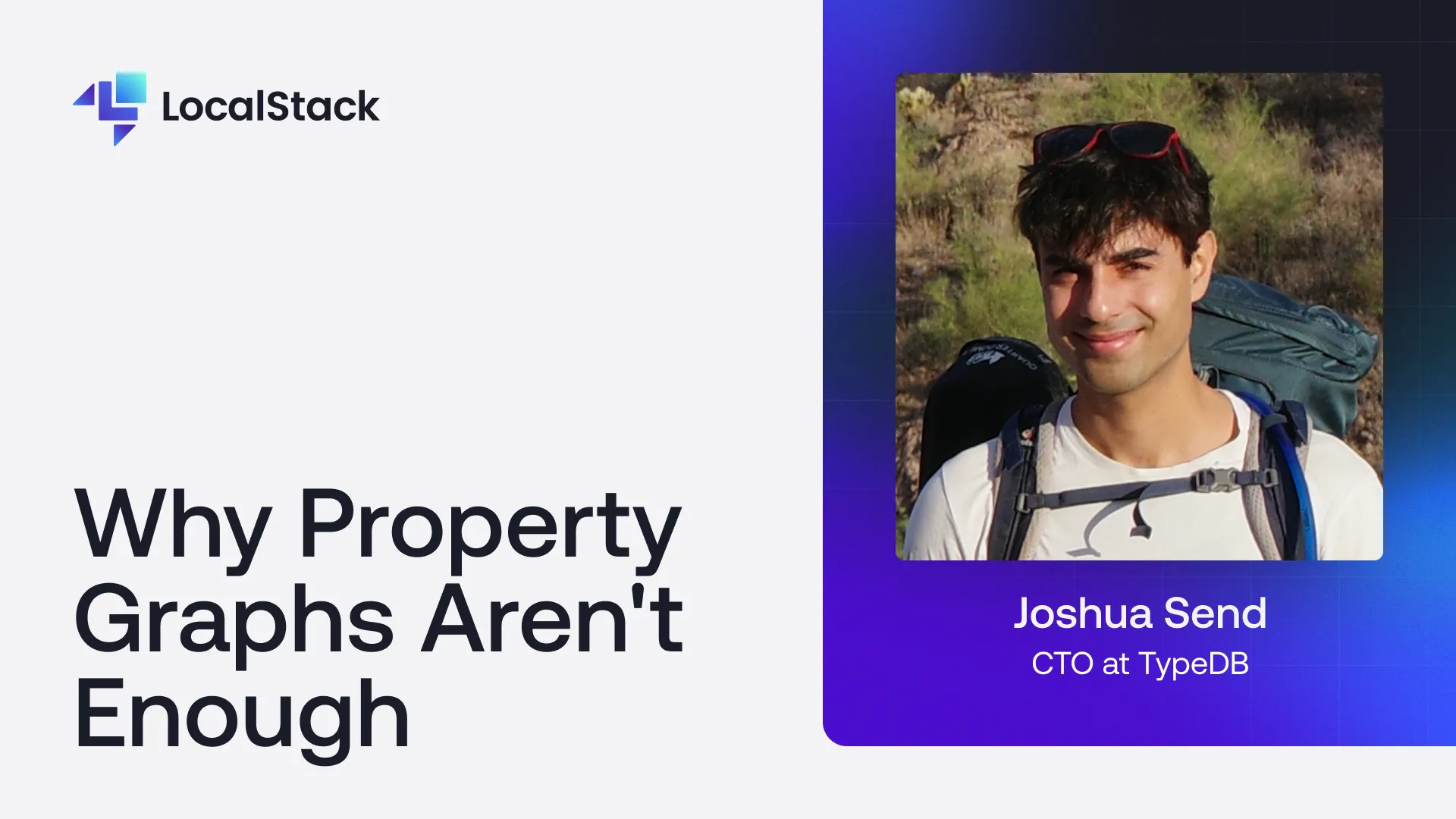
Are Property Graphs living up to the hype? Maybe the model itself is the problem. We made the move from relational databases to graph databases to escape "Join Pain" and model the real world more naturally — but for many engineering teams, that promise has curdled into something worse: the Spaghetti Graph. Complex queries. Ugly workarounds for multi-party relationships. Fragile schemas that shatter with every iteration and become a nightmare to maintain. The good news? The problem isn't your data. In this talk, Joshua Send breaks down why standard Labeled Property Graphs (LPGs) fall short when applied to complex domains — and introduces TypeDB, a strongly-typed database that brings together the connectivity of a graph with the integrity of a relational model. You'll come away understanding why LPGs struggle at scale and complexity, what "Spaghetti Graphs" are and how teams fall into the trap, how TypeDB's type system enforces data integrity without sacrificing flexibility, and when a strongly-typed graph database is the right tool for the job. Whether you're deep in a graph migration, evaluating database architectures, or just tired of schema chaos — this one's for you.
When it comes to productivity, developer experience is more than just a buzzword. Creating an intuitive developer experience could help you get more out of LocalStack by democratizing access, cutting out manual tasks, and making environments more easily interchangeable between LocalStack and AWS. On a day-to-day basis, this could mean fewer tickets, less time spent creating environments, and more time on the important work that your environments support. This demo session will show how LocalStack’s new integration with Quali Torque can accelerate deployment on both LocalStack and AWS by using generative AI to create reusable environment templates that can be deployed to LocalStack and AWS interchangeably in just a few clicks, providing a self-service catalog for your teams to find and provision environments quickly and easily without access to create or modify resource configurations, simplifying the deployment experience by eliminating complexity and security requirements to run environments on AWS, and tracking all activity to identify performance issues for LocalStack deployments and wasted cloud costs for AWS deployments proactively.

Most people think the cloud is just files floating in the sky. Spoiler: it's not. In this episode, I’m breaking down what “the cloud” really is, why everything you’ve been told is probably wrong, and why it's the engine behind everything from Netflix to AI to your online checkout. This is the kickoff to WTH is the Cloud?! a fun series that makes cloud technology make sense.
Ever wonder why some teams intentionally break their own systems? Welcome to the world of chaos engineering — a practice that's not just for Netflix-scale infrastructure, but for any team that wants to build resilient, reliable applications. In this session, we'll demystify chaos engineering and explain why intentionally breaking things is actually the smart move. You'll learn what chaos engineering really is (in plain English, no buzzwords), why waiting for production failures is a terrible strategy, how to start experimenting with controlled failure locally, before it happens in the wild, real-world examples of chaos experiments that catch bugs you'd never find in traditional testing, and tools and techniques to get started without blowing up your infrastructure. Through practical demos using LocalStack's cloud emulation and chaos engineering tools, we'll simulate failures like network latency, service outages, and resource exhaustion right from your laptop. If you've ever said "it worked on my machine" only to watch it crash in production, this talk is for you—let's break things intentionally so they don't break unexpectedly.
Testing in the cloud = slow builds, fragile staging, surprise bills. Let’s talk about how developers are flipping the script and using local cloud environments to test smarter, faster, and cheaper — without breaking production. Bonus: You’ll learn how LocalStack lets you simulate AWS on your machine. Game changer.

LocalStack now provides enhanced support for running AWS services in Kubernetes environments. In this presentation from the LocalStack 4.0 community meetup by Simon Walker, we explore how to deploy and manage local AWS resources within Kubernetes clusters with LocalStack, to help developers maintain consistency between development and production environments. The session further covers LocalStack’s Kubernetes integration, including deployment via Helm charts, configuration of services like Lambda and RDS as Kubernetes pods, and networking between components. A demo illustrates provisioning a serverless application (Lambda functions interacting with a MySQL database) using Terraform, with all resources managed within a local Kubernetes cluster. You'll additionally learn the practical approaches for local testing and infrastructure emulation by moving from Docker to Kubernetes-native solutions as well as upcoming features, including broader service support and new container runtime options.
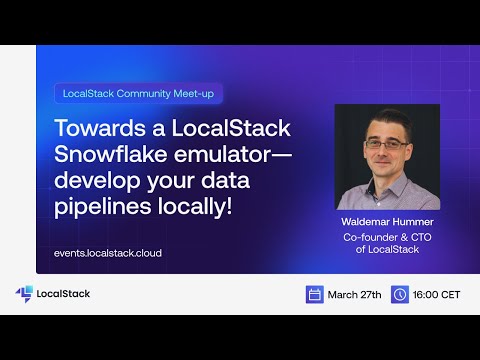
About a year ago we have released the first version of LocalStack Extensions: Extensions are a powerful mechanism to plug additional functionality into LocalStack - ranging from additional service emulators, to value-add features like Chaos Engineering, request logging, cloud resource replication/proxying, and more. Over the last couple of months we have been experimenting with a LocalStack Snowflake emulator extension, which allows to develop and test your Snowflake data pipelines entirely on your local machine! In this talk, Waldemar discusses and demonstrates how you can develop your Snowflake data pipelines locally with LocalStack.
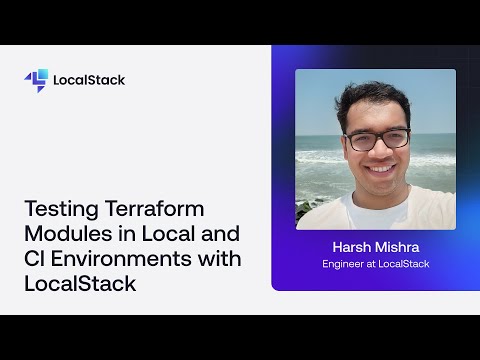
Terraform 1.6 introduced native Terraform tests, but running them against real cloud resources leads to long deployment times and unnecessary costs. With LocalStack's Terraform integration (tflocal), you can validate configurations locally while closely emulating real cloud behaviour. By combining Terraform tests with LocalStack, developers can run integration tests in CI/CD environments, test event-driven serverless workflows, and establish a rapid feedback loop for cloud development. In this presentation, Harsh Mishra provides a hands-on demo of Terraform testing with LocalStack, exploring how to configure tests, validate infrastructure locally, and reduce costs and complexity while improving confidence in deployments.
