

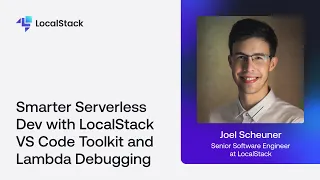
In this hands-on session, you’ll learn how to level up your serverless development by integrating the AWS Toolkit for VS Code with LocalStack — enabling faster Lambda development, debugging, and testing without needing a live AWS account. 👨💻 Featuring: Joel Scheuner, Senior Software Engineer at LocalStack, will show you how to configure the AWS Toolkit for VS Code to connect with LocalStack, deploy and test Lambda functions locally with full AWS emulation, set breakpoints and debug functions right from your IDE, and iterate quickly on code changes with minimal setup overhead. You’ll also hear from an AWS engineer sharing real-world insights and best practices for modern serverless workflows. Whether you’re new to serverless or already deep in AWS development, this session will help you code with confidence and streamline your Lambda workflow from start to finish — all from your laptop.
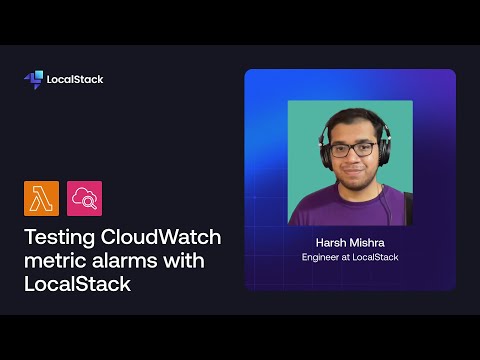
LocalStack is a cloud service emulator designed for local development and testing of cloud applications. With LocalStack, you can test AWS CloudWatch metric alarms, to get notified on infrastructure failures — all on your local machine! In this video, you will learn how you can use a CloudWatch metric alarm to get notified automatically when your Lambda function invocations fail. You will also set up an email notification using the Simple Email Service (SES) and our Mailhog extension.
Testing in the cloud = slow builds, fragile staging, surprise bills. Let’s talk about how developers are flipping the script and using local cloud environments to test smarter, faster, and cheaper without breaking production. Bonus: You’ll learn how LocalStack lets you simulate AWS on your machine. Game changer.
