

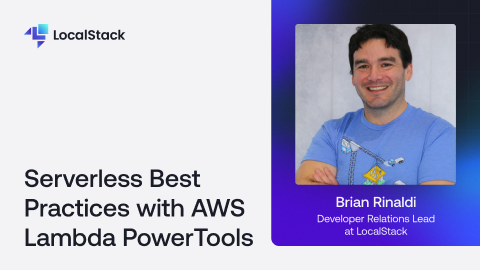
For one-off tasks, AWS Lambda really can be incredibly easy. You write a few lines of code, deploy it, and you have a function running in the cloud ready to respond to events, scale automatically, and that only costs you pennies.But as your application grows, so does some necessary complexity. When a few one-off functions become a full serverless backend architecture made up of interconnected services, you’ll need to pay careful attention to best practices to ensure that your application is easy to debug, maintain, and scale.That’s where AWS Powertools for Lambda fits in. It’s a suite of reusable utilities designed to simplify bringing best practices around things like logging, tracing, metrics, idempotency and more to your Lambda functions with minimal effort.This demo session will dive into some of the functionality provided by the AWS Powertools (TypeScript) core libraries, such as:Encapsulating best practices into reusable libraries for structured logging, metrics collection, idempotency, and more.Leveraging Middy middleware to integrate common cross-cutting concerns, such as injecting Lambda context or automatically flushing metric.Enabling local testing with LocalStack, allowing you to deploy and debug Lambda functions with structured logs, trace data, and embedded metrics.Providing modular examples that can be deployed to AWS or LocalStack with ease, enabling developers to explore libraries.
LocalStack Applications in Developer Hub provides sample templates to help LocalStack users adopt real-world scenarios to rapidly and conveniently create, configure, and deploy applications locally. Getting started with Step-up-authentication demoIn this demo, we will setup a step-up authentication workflow for a higher level of security, deployed using Cloud Development Kit on LocalStack
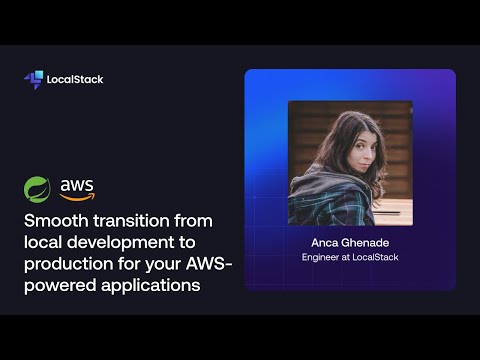
Running your Spring Boot app on AWS for production is common, but testing there can be slow and costly. In this video, we’ll show you how to speed up development using LocalStack.By provisioning your infrastructure with Terraform, you can easily switch to local testing in just three steps:1. Configure your dev environment variables2. Start LocalStack in Docker3. Run your IaC filesGet faster feedback and reduce costs by testing locally with LocalStack!## ResourcesThis project is available in both the open-source and pro versions. LocalStack Pro significantly simplifies development by using Transparent Endpoint Injection.• Project using LocalStack OSS: https://github.com/localstack-samples/sample-shipment-list-demo-lambda-dynamodb-s3• Project using LocalStack Pro: https://github.com/localstack-samples/sample-pro-version-shipment-list-demo-lambda-dynamodb-s3## Documentation• Transparent Endpoint Injection: https://docs.localstack.cloud/user-guide/tools/transparent-endpoint-injection/• Terraform for LocalStack: https://docs.localstack.cloud/user-guide/integrations/terraform/• LocalStack Lambda: https://docs.localstack.cloud/user-guide/aws/lambda/• LocalStack S3: https://docs.localstack.cloud/user-guide/aws/s3/• LocalStack DynamoDB: https://docs.localstack.cloud/user-guide/aws/dynamodbstreams/• LocalStack SQS: https://docs.localstack.cloud/user-guide/aws/sqs/• LocalStack SNS: https://docs.localstack.cloud/user-guide/aws/sns/
