

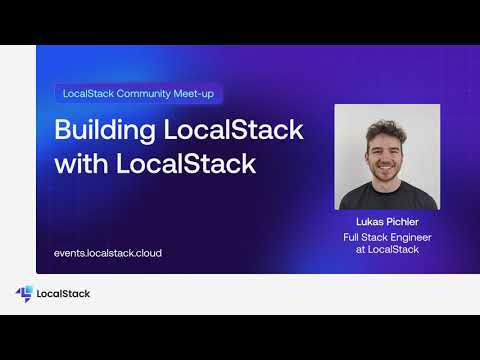
LocalStack’s core cloud emulator allows us to run our own cloud application - including its infrastructure - locally, which provides an efficient developer experience at the start of the entire software development lifecycle (SDLC). This experience enables us to build our product features in a way that closely matches what our customers are looking for — a comprehensive developer platform that facilitates local multi-cloud development across different providers and services.In this session from LocalStack Community Meetup April '24, Lukas Pichler showcases how to use the LocalStack core cloud emulator and other novel solutions, to build, test, and integrate new features in our LocalStack Web Application. He broadly discusses:• Application Overview• How do we enable local cloud development?How do we use LocalStack in CI?• How do we use LocalStack to enable application previews and E2E testing?• Conclusion

What happens when your cloud services fail? 💥In this final episode of our series, we dive into the LocalStack Chaos Dashboard to simulate real-world outages—like DynamoDB errors—and see how your app responds under pressure. Learn how to intentionally break your systems locally so you can ship more resilient applications in production.📘 Read the full blog post for step-by-step details: https://localstack-blog-preview-pr-121.surge.sh/break-it-till-you-make-it-chaos-engineering/
Bring your tests to CI/CD with GitHub Actions! In this episode, we’ll show how to integrate LocalStack into your workflow, so your tests run automatically on every push without touching real AWS resources.Whether you're testing Lambda, DynamoDB, S3, or beyond LocalStack makes it possible to run everything locally, even in your CI workflows.🔗 Read the companion blog post: https://blog.localstack.cloud/automate-your-tests-with-github-actions-and-localstack/
