


You’ve been there: Your Unit tests pass both locally and in CI. You deploy with confidence. You thought.. Then staging in the real cloud reveals the truth—bugs that only show up with actual RDS parameter settings, real SQS and SNS throughput limits, or Lambda and API Gateway behaviour your local mocks never captured.
The solution is Testcontainers.
Testcontainers is a testing library that provides easy and lightweight APIs for bootstrapping integration tests with real services wrapped in Docker containers. Using Testcontainers, you can write tests talking to the same type of services you use in production without mocks or in-memory services. Spin them up, run migrations, execute your Node.js service against them, assert results, auto-cleanup.
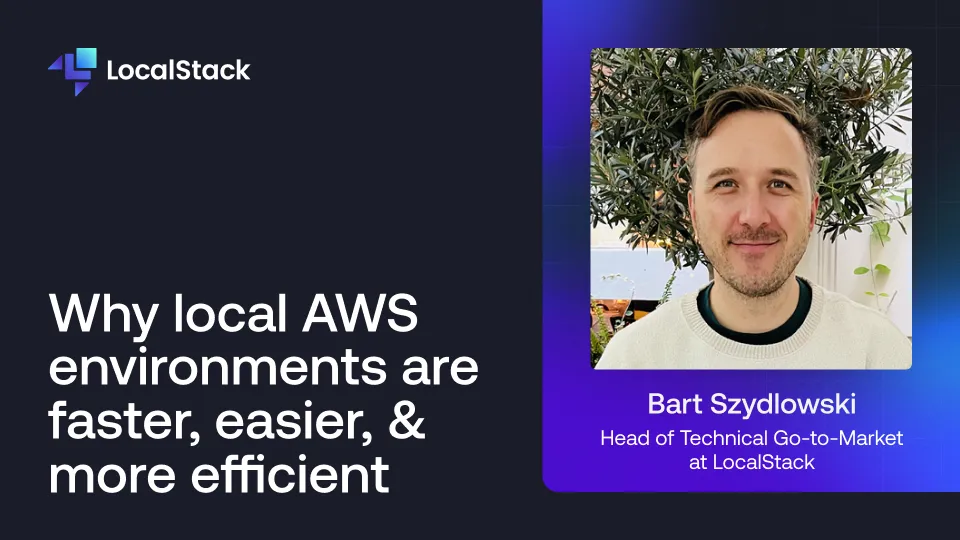
So many of the challenges that slow down software development stem from the fact that early-stage dev & test cycles are performed in cloud environments.
Local cloud development removes these challenges.
By simulating AWS application behavior in a local container, the local cloud enables developers and agents to validate the security, quality, and reliability of their applications faster and more effectively than they can on the cloud.
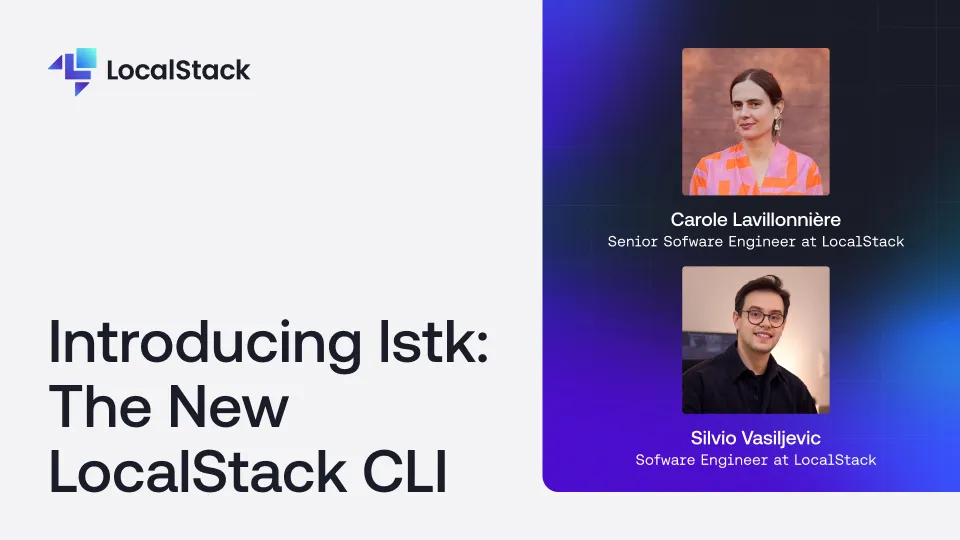
Silvio and Carole introduce lstk, LocalStack's next-generation CLI built from scratch in Go. They explain why the team rebuilt the CLI, walk through its key features — zero-config startup, seamless browser-based authentication, and a rich interactive TUI that surfaces real-time progress and actionable errors — and demo how lstk gets you from install to a running emulator in seconds. They also dive into the architecture behind lstk and how it is designed to support multiple emulators, flexible runtimes, and deep integrations with CI pipelines and IDEs.
