

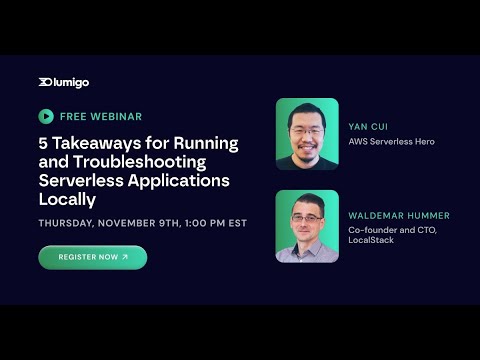
Check out the recording of the hands-on webinar featuring Yan Cui, AWS Serverless Hero, and Waldemar Hummer, CTO of LocalStack, to learn practical use cases around monitoring serverless applications for local dev&test loops. Learn the best practices for debugging serverless applications using various AWS services to support your serverless workflows while troubleshooting errors and performance issues. In this video, you will learn about building and deploying Serverless apps locally, common patterns and workflows for testing Serverless apps, troubleshooting errors and performance issues in dev&test loops, implementing observability with distributed tracing with Lumigo, and local Serverless development with LocalStack.
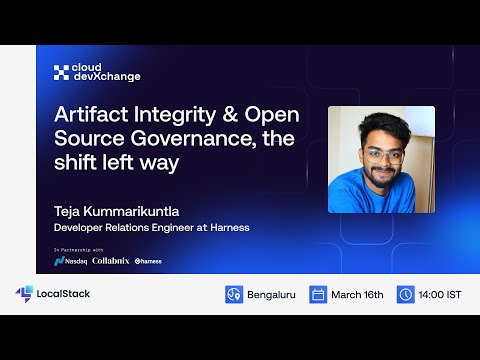
In this talk, Teja explore the intricacies of the software supply chain and discuss strategies for protecting your software against supply chain attacks. He look sinto the risks associated with these threats, offer mitigation measures, and covers recommended practices for managing open-source software and Software Bills of Materials (SBOMs). This session aims to equip the audience with the knowledge and tools needed to enhance the security of their software supply chain.
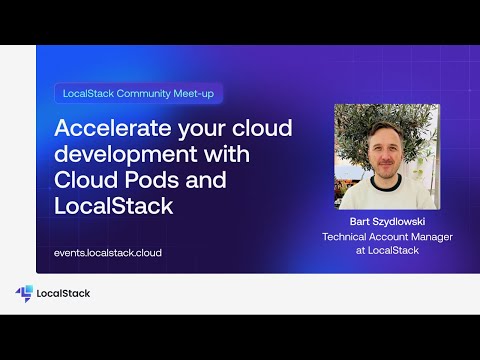
Cloud pods are persistent state snapshots of your LocalStack instance that can easily be stored, versioned, shared, and restored. They can be used to save and manage snapshots of active LocalStack instances, share state snapshots with your team to debug collectively, automate your testing pipelines by pre-seeding CI environments, and create reproducible development and testing environments locally. In this session from LocalStack Community Meetup July '24, Bart Szydlowski explores how to use Cloud Pods to accelerate your cloud development & testing. He showcases how you can get started with Cloud Pods, integrate them into your testing pipelines, and make it easy for your team members to be onboarded to your cloud infrastructure — running all on your local machine!
