

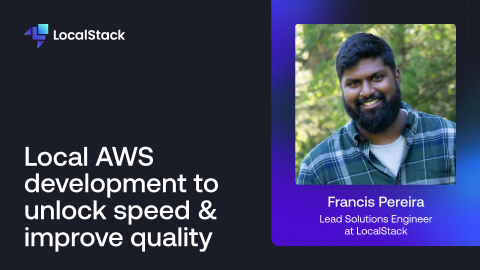
How much faster could your cloud application release cycles move if your developers didn’t need to deploy code to the cloud?
Local cloud development eliminates the security implications, cost concerns, and access restrictions of traditional cloud development by replicating production-quality application environments on local infrastructure.
Join us on Tuesday, December 16, at 1pm eastern time for a live demo webinar to learn more about how LocalStack replicates production-quality AWS application environments on local infrastructure, the unique advantages that local cloud environments provide for software developers, and successful use cases where local cloud development unlocks velocity that developers can’t experience on the cloud.
Even if you’re not available to join the livestream, sign-up here to receive the session recording in your inbox.
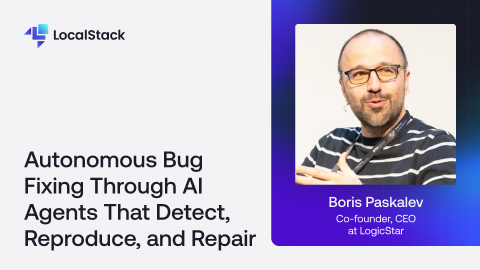
What if your software could fix its own bugs—before anyone even notices them? In this session, LogicStar co-founder Boris Paskalev shares how self-healing applications are becoming a reality—fixing bugs automatically, before they reach production or immediately after an issue is detected/reported. LogicStar combines classical computer science, deep tech research from the pioneers of “AI for Code” and Agentic AI to detect, reproduce, and fix real production issues with validated, test-backed pull requests. This session is for engineering leaders, PMs, and AI builders ready to rethink the boundaries of autonomy in software delivery.
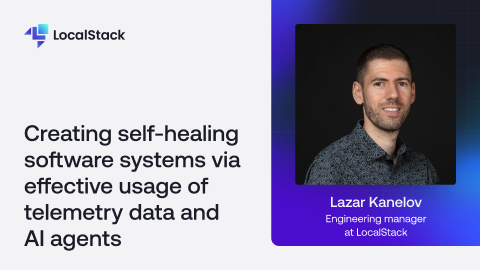
Modern software systems operate in complex, dynamic environments where failures are inevitable. Traditional monitoring and manual incident response are no longer sufficient to ensure resilience or customer satisfaction. This talk explores how to design and implement self-healing software systems by combining telemetry data with an AI-driven agentic approach. We’ll start by examining how high-quality telemetry forms the foundation for detecting anomalies and predicting failures. Next, we’ll show how modern GenAI (LLMs) can transform this telemetry into actionable insights for AI agents that interpret data, pinpoint root causes, and apply automated fixes. Through a practical, real-world example, you’ll see how telemetry and AI work together to create adaptive feedback loops that continuously improve system reliability, while freeing engineers from repetitive operational tasks.
