

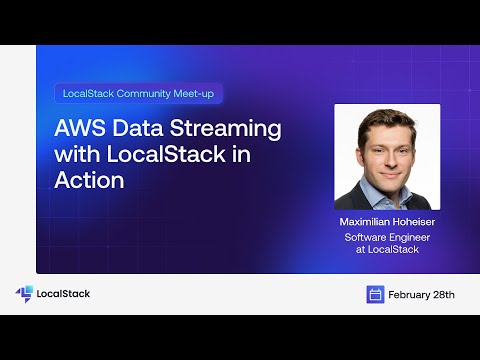
In this session, Maximillian Hoheiser discussed developing & testing AWS Data Streaming with LocalStack! In this talk, he focused on Kinesis Data Firehose, an AWS service that allows you to extract, transform, and load streaming data into various destinations like Amazon S3.He dived into how to set up testing for Kinesis Firehose and seamlessly integrated it with other services using Boto3 and CDK/CloudFormation. Maximillian led a live demonstration, showcasing how to set up a practical business case, implement it, and rigorously test it using LocalStack.
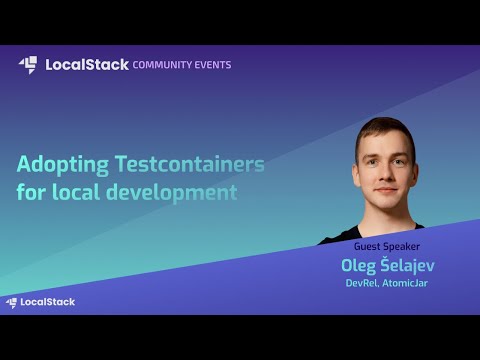
Local development and testing are significant for engineers who wish to ship confidently onto production environments. Test-driven development (TDD) has been adopted as an essential practice to enforce that and ensure that every code change is validated locally and on CI. This is where we arrive at the Testcontainers libraries that support your tests, providing lightweight, ephemeral instances of common databases, message brokers, web browsers, or anything else that can run in a Docker container. With Testcontainers, available in different popular languages: Java, Go, .NET, JavaScript/Typescript, and Python, you can replicate the production environment on your local machine and test everything (including AWS APIs powered by LocalStack)! Testcontainers ensure that the data access layer, user interface, and application are tested well at each step. In this session, we have looked at Testcontainers and how to adopt them to develop our applications locally and run our integration tests while using LocalStack to provision cloud resources inside a Docker container before pushing your application to production! In the end, we have also discussed how LocalStack and the Java version of Testcontainers play nicely with each other and wind up with updates about the all-new LocalStack release!
