

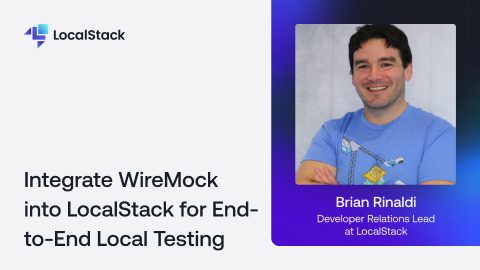
In this live session, Brian from LocalStack will demonstrate the WireMock extension for LocalStack, showing how developers can achieve end-to-end local testing by combining AWS service emulation with external API mocking. Brian will walk through real-world use cases, demonstrate the integration in action, and explain how this unified approach simplifies testing complex cloud applications that depend on both AWS services and third-party APIs.
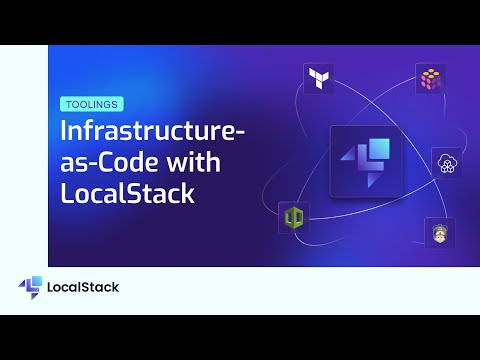
Infrastructure-as-Code refers to the practice of defining and provisioning cloud resources using code and automation scripts, thus eliminating the need for manual configurations. With frameworks like AWS CloudFormation, AWS CDK (Cloud Development Kit), AWS Serverless Application Model (SAM), Pulumi, and Terraform, users can specify their desired infrastructure state in code, enabling rapid and consistent deployment of resources.However, as with any code, IaC scripts require thorough testing to ensure their correctness and proper functionality. Traditional cloud environments for testing can be expensive, slow, and error-prone due to complexities in provisioning and configuration. With LocalStack, you can leverage a local emulation of various cloud services, such as S3, DynamoDB, EKS, and more!LocalStack simulates these cloud services on a developer's machine, allowing for comprehensive and efficient testing of IaC scripts before deployment to actual cloud environments. In this video, we explain how you can use LocalStack to be more efficient and cost-effective at testing these major IaC frameworks:• Terraform• Pulumi• Cloud Development Kit• CloudFormation• Serverless Application ModelAs organizations will continue to embrace IaC, cloud emulation framework like LocalStack will play an increasingly vital role in ensuring the quality and robustness of cloud infrastructure implementations.
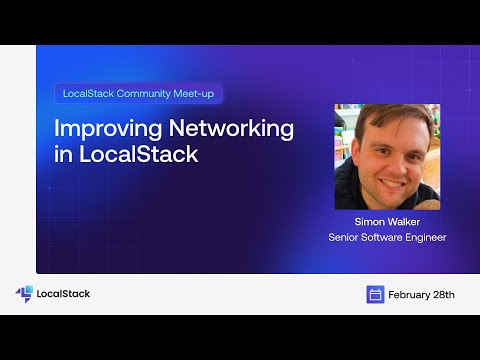
Connecting your applications to LocalStack has not always been easy. In this video, Simon from the LocalStack team discusses how we streamlined the LocalStack networking experience. We discussed the challenges of connecting your applications to LocalStack and how we're simplifying the LocalStack networking experience.Simon also discussed about configurations required for more complex networking setups, and some common networking scenarios, with example configuration for achieving connectivity.Read our blog to learn more: https://blog.localstack.cloud/2024-03-04-making-connecting-to-localstack-easier/
