

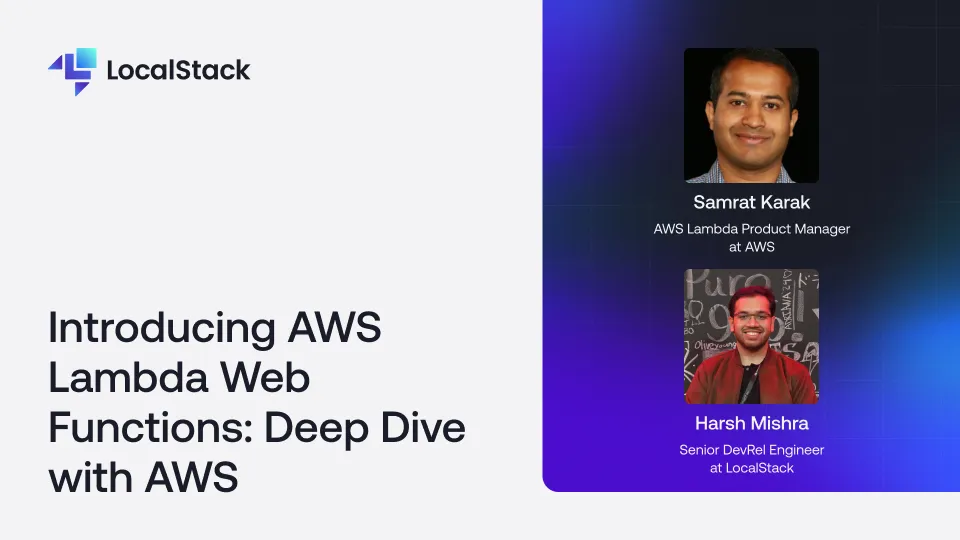
AWS just released Lambda Web Functions, a major update to AWS Lambda. In this session, Samrat Karak, AWS Lambda Product Manager, explains what's new and where Web Functions are most useful. Then see how to run and test them locally with LocalStack before you run them in your cloud environments.
Developers are used to running kubectl apply and waiting on the magic to happen resulting in a running Kubernetes pod. But what actually happens between entering the command and the deployment being ready? What's the reality behind the "magic"? In this talk, Kiah will dissect all the stages of a Kubernetes deployment in a way that is easy to understand. She'll walk through that deployment happening locally on LocalStack to inspect what's really going on at each stage. At the end of this session, attendees will have a deeper understanding of the Kubernetes deployment process that can help debug many common issues and will gain an understanding of how LocalStack enables local testing of Kubernetes.
Recreating the unique state of a cloud app environment is notoriously complex, making it difficult to diagnose bugs, collaborate with teammates, or even just pick up where you left off. Join us as we deep dive into LocalStack’s powerful state management and persistence features, exploring how to maintain, snapshot, and seamlessly share your local cloud environments using core features like persistence, Cloud Pods, and state files. Learn how to restore a previous state, share preconfigured environments with colleagues for collaboration or onboarding, or restore preset services and data for functional tests in CI. We'll also showcase LocalStack's new Model Context Protocol (MCP) integration, revealing how AI can manage, inspect, and automate your local cloud state.
