

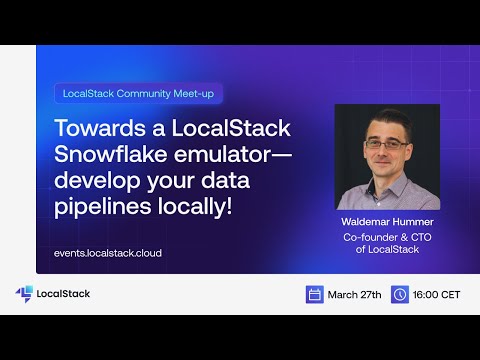
About a year ago we have released the first version of LocalStack Extensions: Extensions are a powerful mechanism to plug additional functionality into LocalStack - ranging from additional service emulators, to value-add features like Chaos Engineering, request logging, cloud resource replication/proxying, and more. Over the last couple of months we have been experimenting with a LocalStack Snowflake emulator extension, which allows to develop and test your Snowflake data pipelines entirely on your local machine! In this talk, Waldemar discusses and demonstrates how you can develop your Snowflake data pipelines locally with LocalStack.
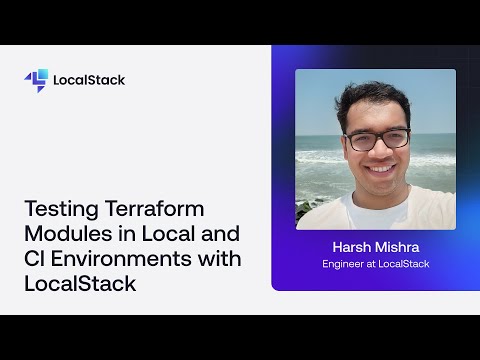
Terraform 1.6 introduced native Terraform tests, but running them against real cloud resources leads to long deployment times and unnecessary costs. With LocalStack's Terraform integration (tflocal), you can validate configurations locally while closely emulating real cloud behaviour. By combining Terraform tests with LocalStack, developers can run integration tests in CI/CD environments, test event-driven serverless workflows, and establish a rapid feedback loop for cloud development. In this presentation, Harsh Mishra provides a hands-on demo of Terraform testing with LocalStack, exploring how to configure tests, validate infrastructure locally, and reduce costs and complexity while improving confidence in deployments.
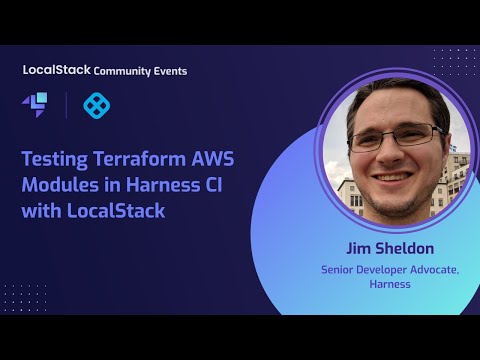
LocalStack enables organizations to automate their application testing and integration process through DevOps practices, such as continuous integration (CI). LocalStack allows organizations to move away from complicated AWS testing and staging environments by enabling a key component of testing and delivering cloud-native applications. To further automate the process, we use Infrastructure-as-Code (IaC) frameworks like Terraform that allow you to create your resources declaratively and apply those resources. Testing your Terraform modules against the real AWS cloud can be time-consuming and costly and can make you run into the risk of dangling resources after an unsuccessful CI run. Using LocalStack to emulate a mock ephemeral AWS infrastructure on CI pipelines allows you to work on the same functionality the real AWS cloud provides while cutting down testing costs and deployment times. In this session, Jim Sheldon, Senior Developer Advocate at Harness, will demonstrate how to use LocalStack to test Terraform modules on Harness CI. Harness CI allows you to create software pipelines that will enable you to check out your code, build the software, run your tests, and validate every code change. We wind up the session with updates about the all-new LocalStack release!
