

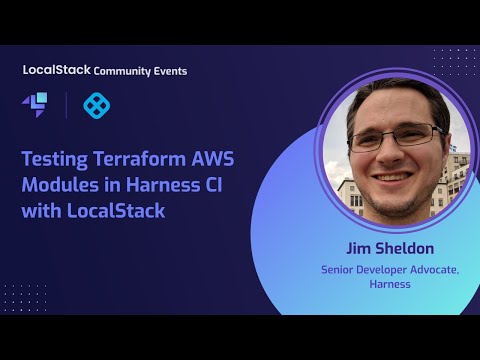
LocalStack enables organizations to automate their application testing and integration process through DevOps practices, such as continuous integration (CI). LocalStack allows organizations to move away from complicated AWS testing and staging environments by enabling a key component of testing and delivering cloud-native applications. To further automate the process, we use Infrastructure-as-Code (IaC) frameworks like Terraform that allow you to create your resources declaratively and apply those resources. Testing your Terraform modules against the real AWS cloud can be time-consuming and costly and can make you run into the risk of dangling resources after an unsuccessful CI run. Using LocalStack to emulate a mock ephemeral AWS infrastructure on CI pipelines allows you to work on the same functionality the real AWS cloud provides while cutting down testing costs and deployment times. In this session, Jim Sheldon, Senior Developer Advocate at Harness, will demonstrate how to use LocalStack to test Terraform modules on Harness CI. Harness CI allows you to create software pipelines that will enable you to check out your code, build the software, run your tests, and validate every code change. We wind up the session with updates about the all-new LocalStack release!
In this hands-on session, you’ll learn how to level up your serverless development by integrating the AWS Toolkit for VS Code with LocalStack — enabling faster Lambda development, debugging, and testing without needing a live AWS account. 👨💻 Featuring: Joel Scheuner, Senior Software Engineer at LocalStack, will show you how to configure the AWS Toolkit for VS Code to connect with LocalStack, deploy and test Lambda functions locally with full AWS emulation, set breakpoints and debug functions right from your IDE, and iterate quickly on code changes with minimal setup overhead. You’ll also hear from an AWS engineer sharing real-world insights and best practices for modern serverless workflows. Whether you’re new to serverless or already deep in AWS development, this session will help you code with confidence and streamline your Lambda workflow from start to finish — all from your laptop.
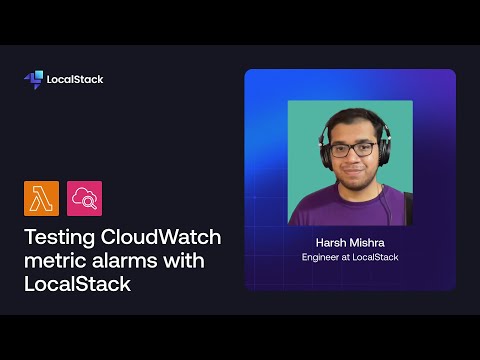
LocalStack is a cloud service emulator designed for local development and testing of cloud applications. With LocalStack, you can test AWS CloudWatch metric alarms, to get notified on infrastructure failures — all on your local machine! In this video, you will learn how you can use a CloudWatch metric alarm to get notified automatically when your Lambda function invocations fail. You will also set up an email notification using the Simple Email Service (SES) and our Mailhog extension.
