

In this live session, WireMock CTO Tom Akehurst will introduce hybrid API simulation (local + cloud) with WireMock Runner. Tom will explain why we built Runner, how developers are using it today, and how it fits into modern dev and test workflows - such as simulating APIs during testing, prototyping, and AI-native development.
LocalStack Chaos API enables you to simulate outages in any AWS region or service. Chaos API provides an easy way to implement chaos engineering experiments to test a wide variety of simulated outages and failures within your application safely, without impacting your production users. Common examples can include region-wide outages, DNS failovers, service failures, and network faults. All the testing scenarios described above can be executed within LocalStack, providing thorough coverage for critical situations in a matter of minutes rather than hours or days. In this presentation by Viren Nadkarni, we explore how Chaos API is leveraged to perform service failures in a local environment while using robust error handling to address and mitigate such issues.
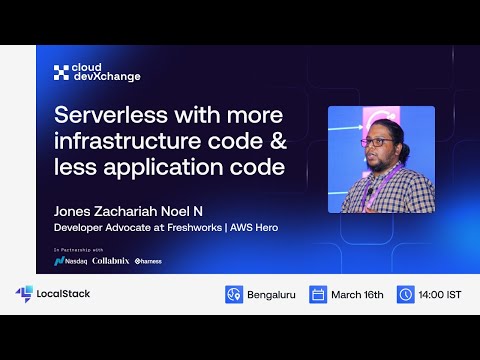
With the growing Serverless workloads, managing and maintaining them is best recommended with Infrastructure as Code (IaC). While this holds the complete infrastructure and its configurations, we could have events from one service destined to another via configuration. When building these configurations, we could also reduce the application code making it more maintainable and scalable. In this session, Jones walked us through a fully end-to-end solution built with Amazon EventBridge and AWS Step Functions with SDK integrations which have helped him to improvise the application with just IaC and very minimal application code.
